
4 Drivers Icons
A fast and collaborative way to publish custom icons for Control4 drivers
A fast and collaborative way to publish custom icons for Control4 drivers
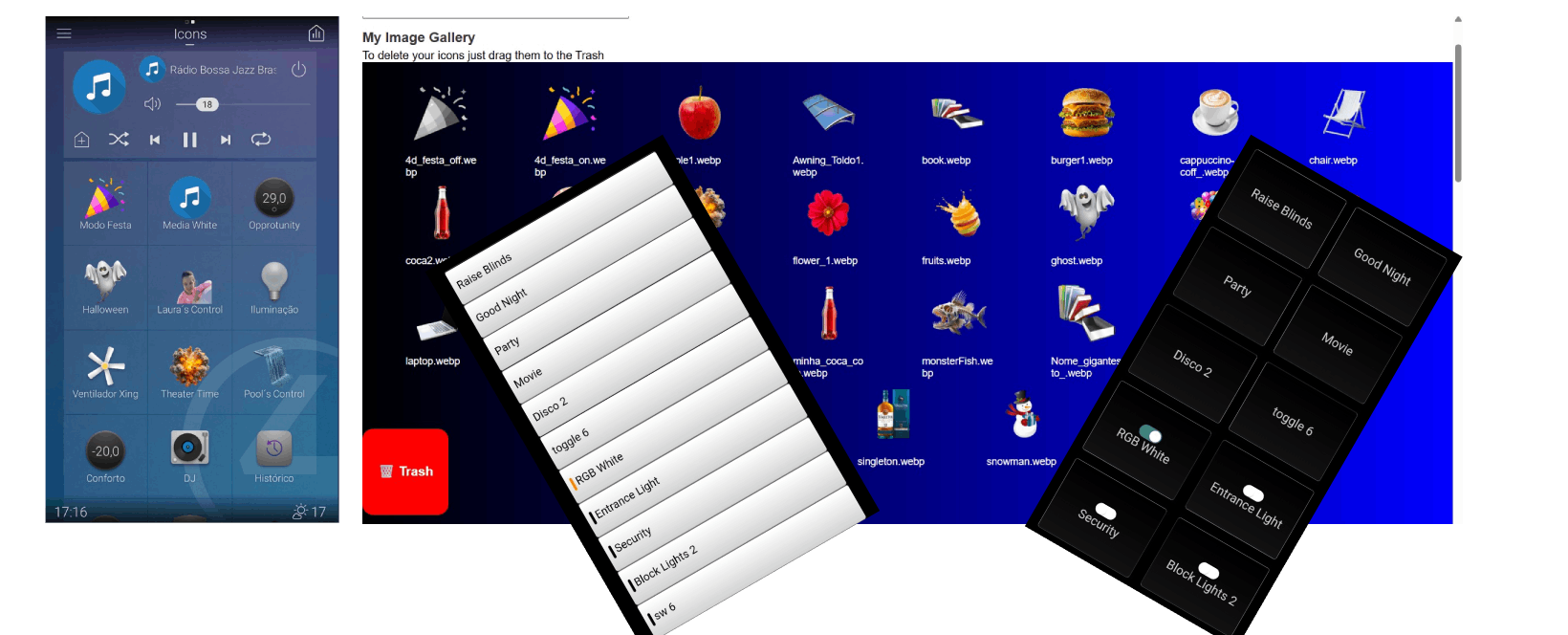
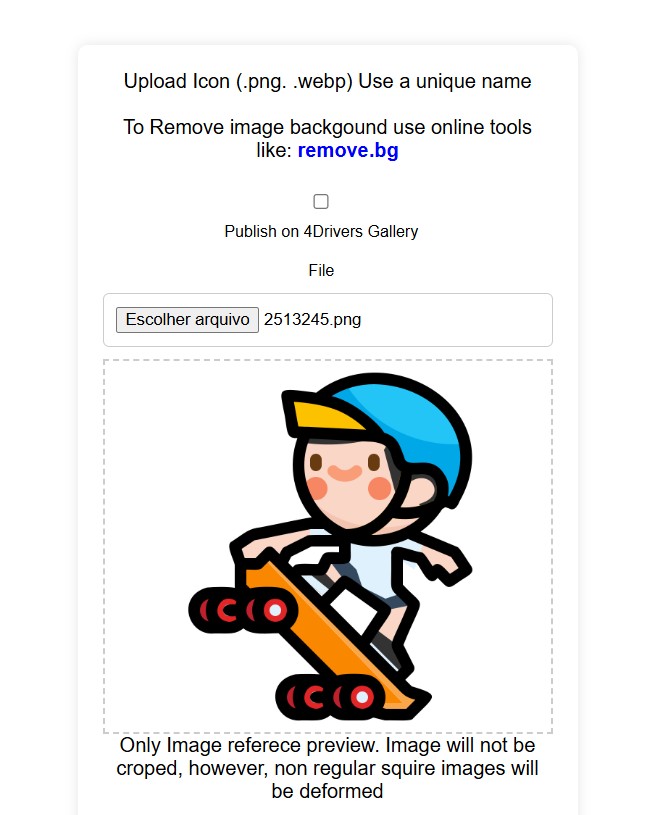
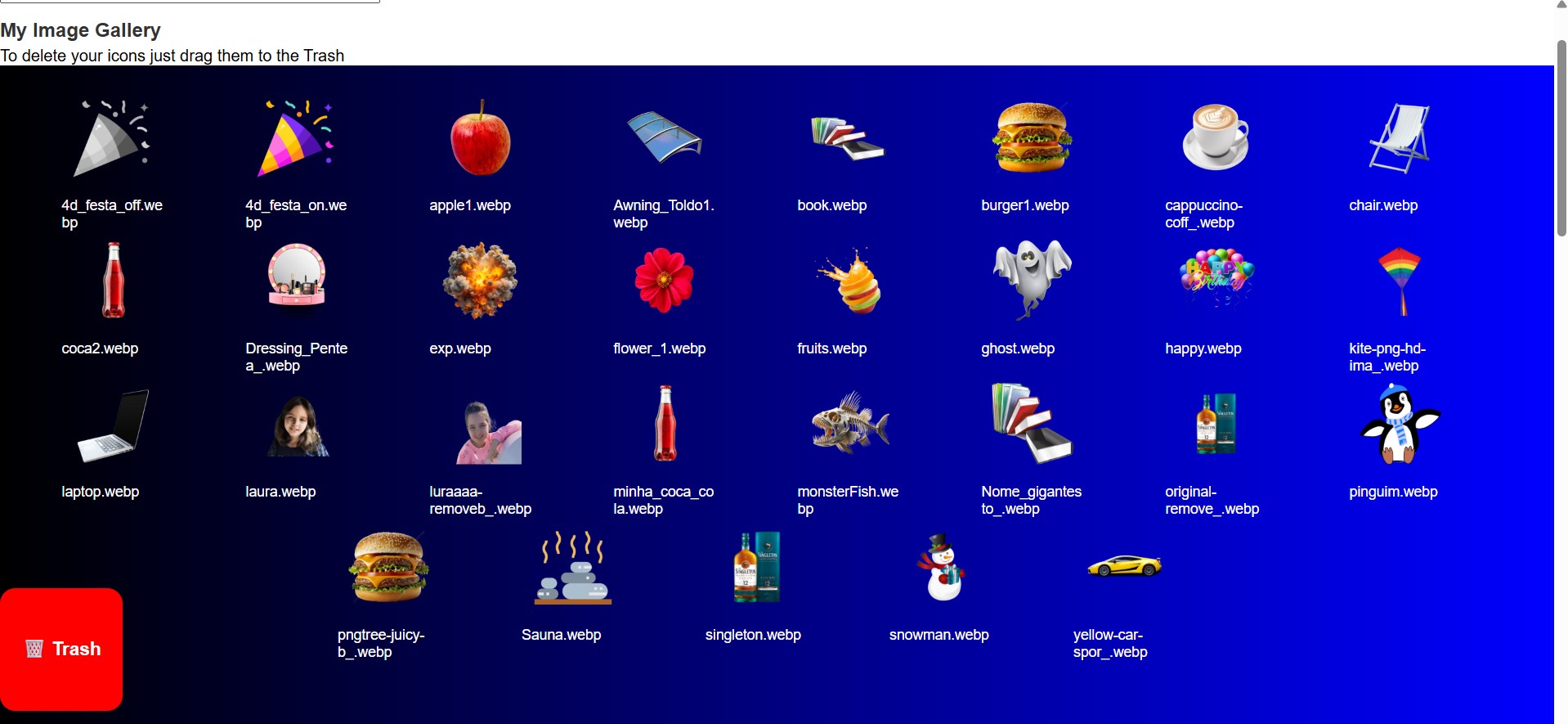
4 Drivers Icons is a web-based system designed for Control4 dealers to manage and publish driver icons efficiently. Integrators within the same dealership can upload and share icons, define custom button colors, and reuse these assets across multiple clients with ease.
The goal is to simplify the process of visually customizing Control4 interfaces by providing a shared library of branded and consistent visual elements.
Integrators can create and assign button colors and icons tailored to each project, ensuring a consistent and branded look for every Control4 client.
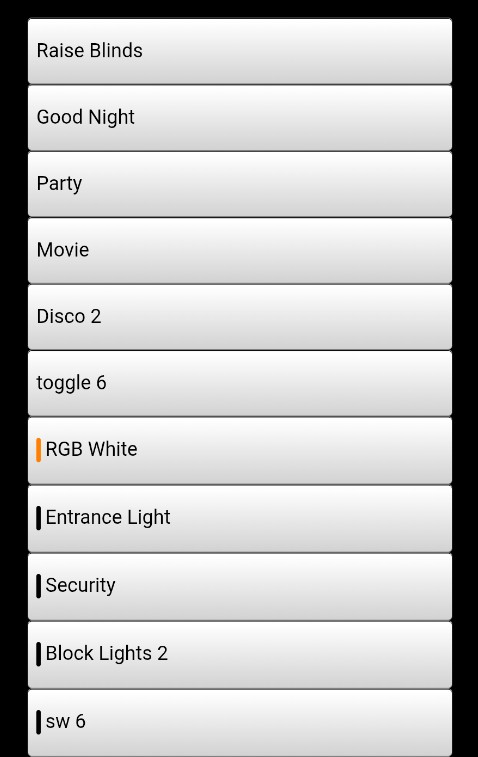
A simple admin panel allows dealers to manage users, icons, and button presets. Everything is accessible from the web, making collaboration and deployment fast and straightforward.
Here is a real sample of how the icons are presented in a Control4 environment using the 4 Drivers Icons system.
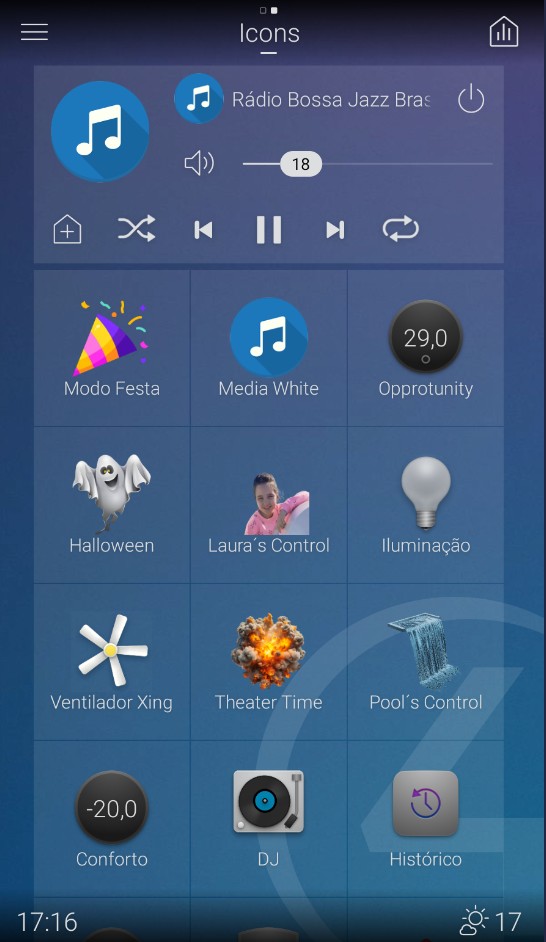
The 4 Drivers Icons system allows integrators to fully customize the appearance of buttons, adapting their style to the desired environment. You can define the background color, toggle icons, and visual arrangement — from traditional lists to interactive grid layouts.
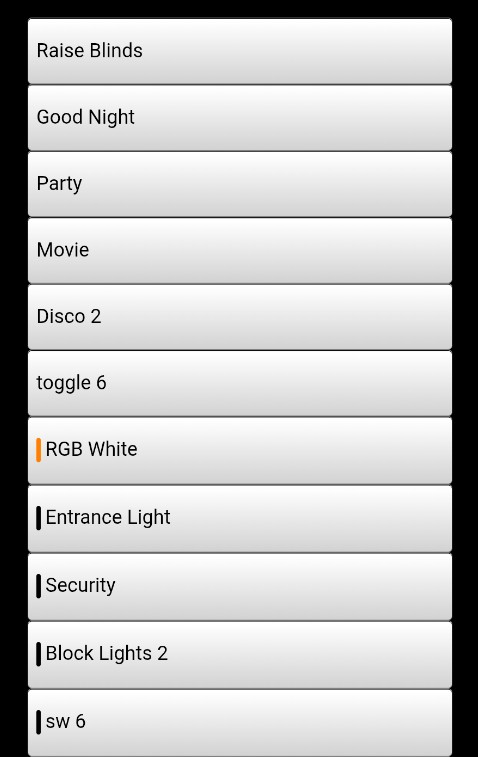
Classic gray buttons with subtle highlights
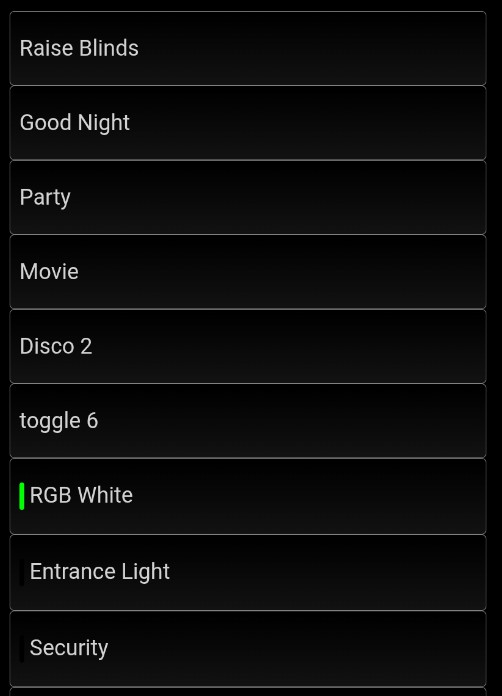
Dark mode appearance with clean contrast
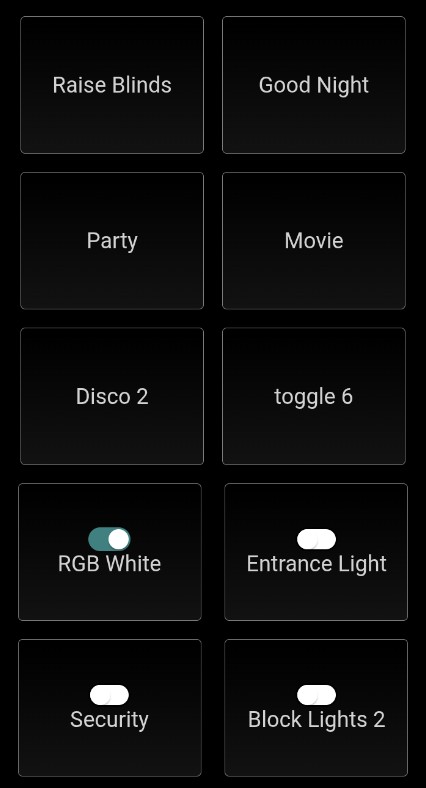
Grid layout with visual toggles for each action
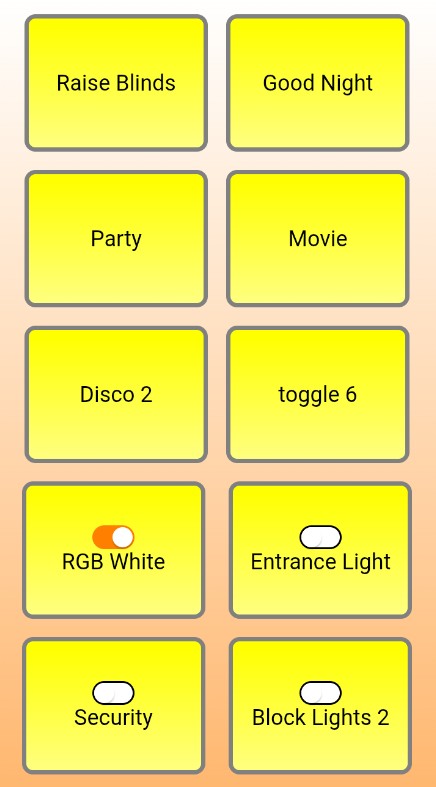
Bright custom backgrounds and colorful highlights
Learn how to use and configure 4 Drivers Icons through our step-by-step video tutorials.
Learn how to use and configure 4 Drivers Icons through our step-by-step video tutorials.
An introduction to using the 4Drivers Icons system.